Our Smart Glasses for Work Picks
Smart glasses can take several different approaches to productivity. Display glasses can provide a portable virtual screen, while AI-focused glasses can provide hands-free assistance, audio, cameras and voice interaction.
#1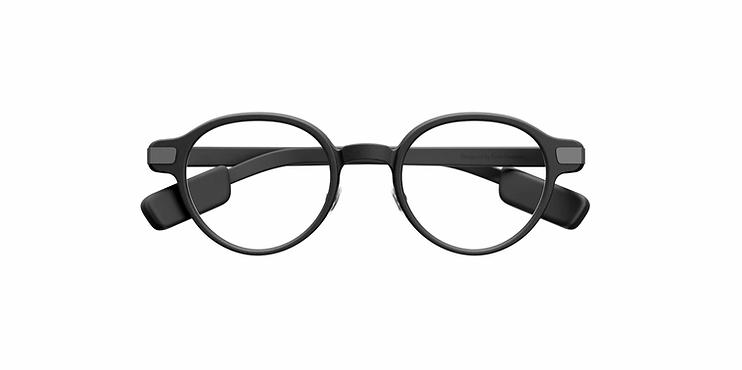
Hybrid Smart GlassesEven Realities G2
Even Realities G2 is a lightweight display smart glasses platform with binocular micro-LED displays, AI features, real-time translation, live captions, navigation, notifications and a built-in teleprompter. Unlike camera-based AI glasses, the G2 has no camera or speakers.
Display640 × 350
Comfort10/10
Audio5/10
Battery9/10
#2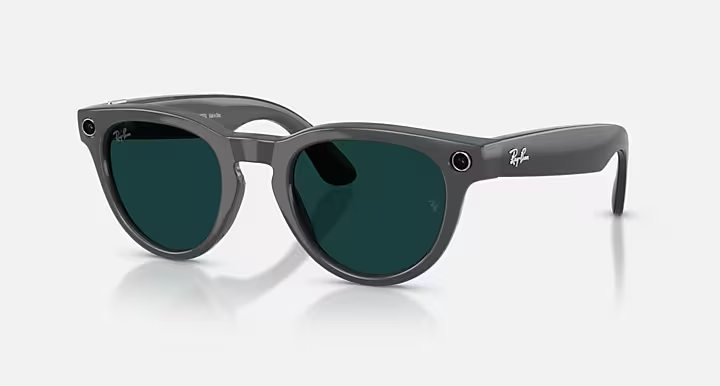
AI GlassesRay-Ban Meta Gen 2
Ray-Ban Meta Gen 2 combines a traditional Ray-Ban design with a 12 MP camera, open-ear audio, Meta AI and hands-free controls. Gen 2 adds improved video capture and up to 8 hours of moderate-use battery life.
DisplayNone
Comfort9/10
Audio9/10
Battery9/10
#3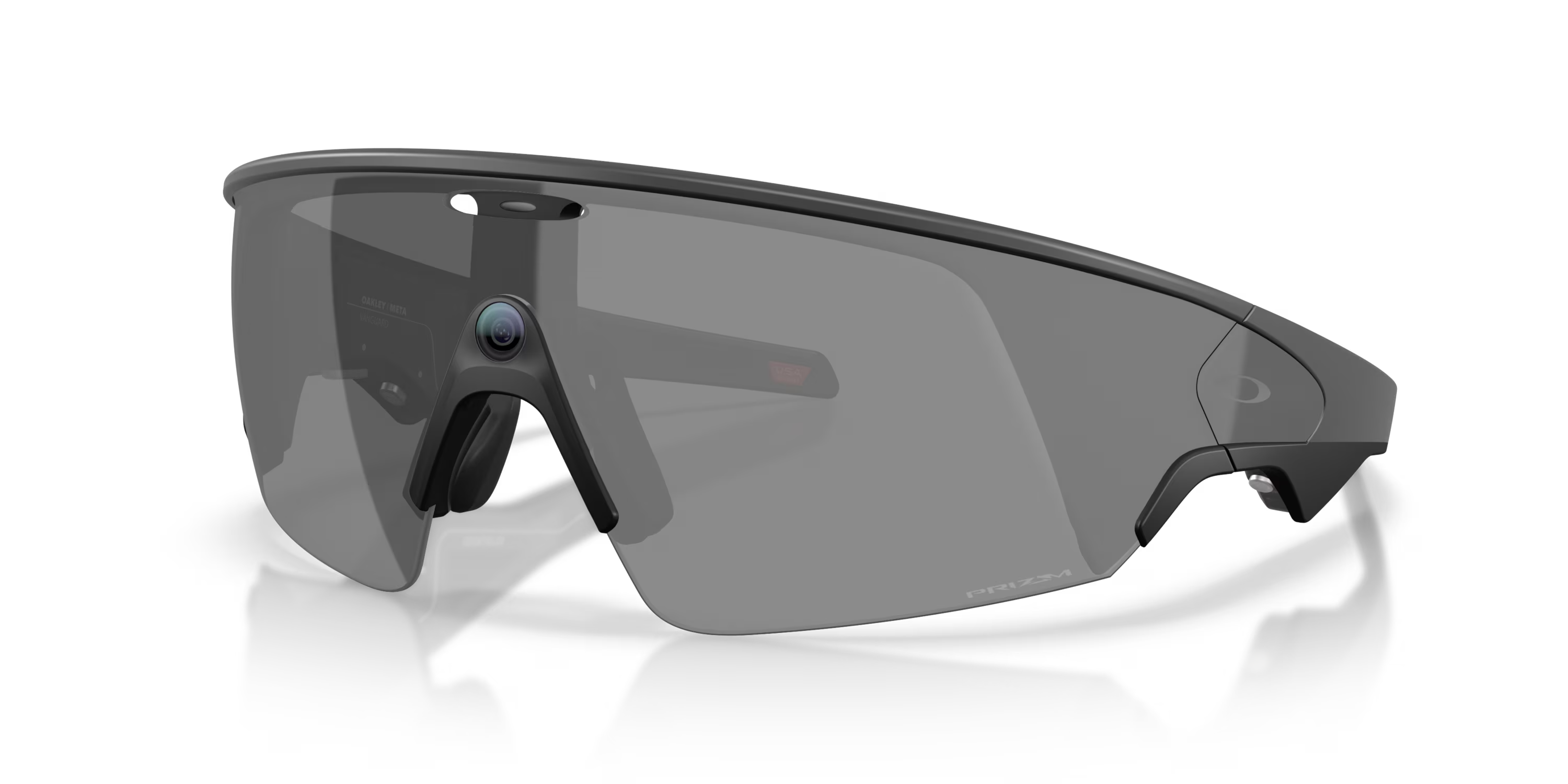
AI GlassesOakley Meta Vanguard
Oakley Meta Vanguard is a sport-focused AI smart glasses platform designed for training, outdoor activities and hands-free capture. It combines a 12 MP camera, open-ear audio, Meta AI, fitness integrations and a rugged IP67-rated design.
DisplayNone
Comfort9/10
Audio9/10
Battery9/10
#4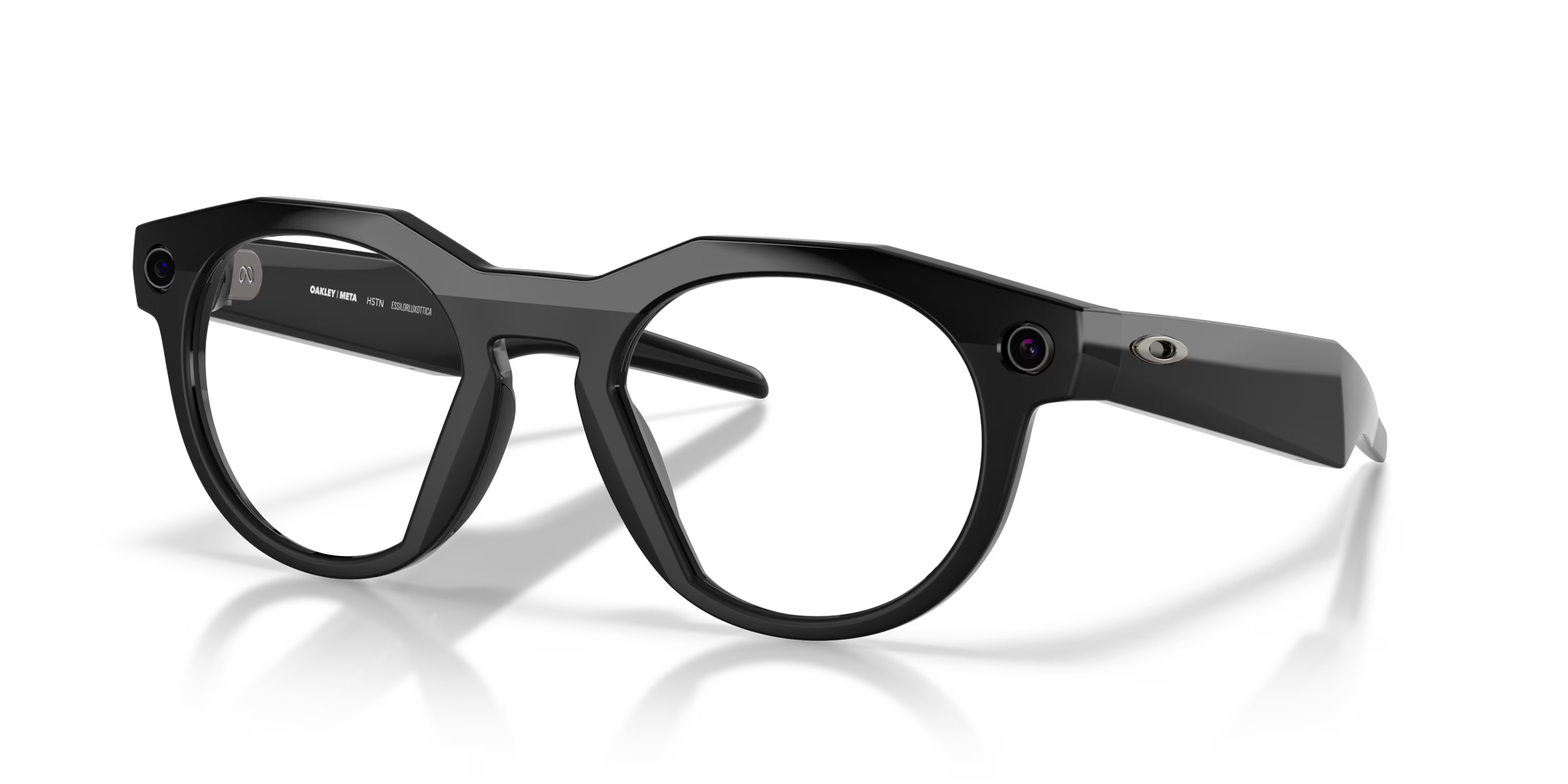
AI GlassesOakley Meta HSTN
Oakley Meta HSTN combines Oakley's classic HSTN frame design with Meta AI, a 12 MP camera, open-ear audio and hands-free controls. It is designed as an everyday AI glasses option rather than a dedicated sports model.
DisplayNone
Comfort9/10
Audio9/10
Battery9/10
#5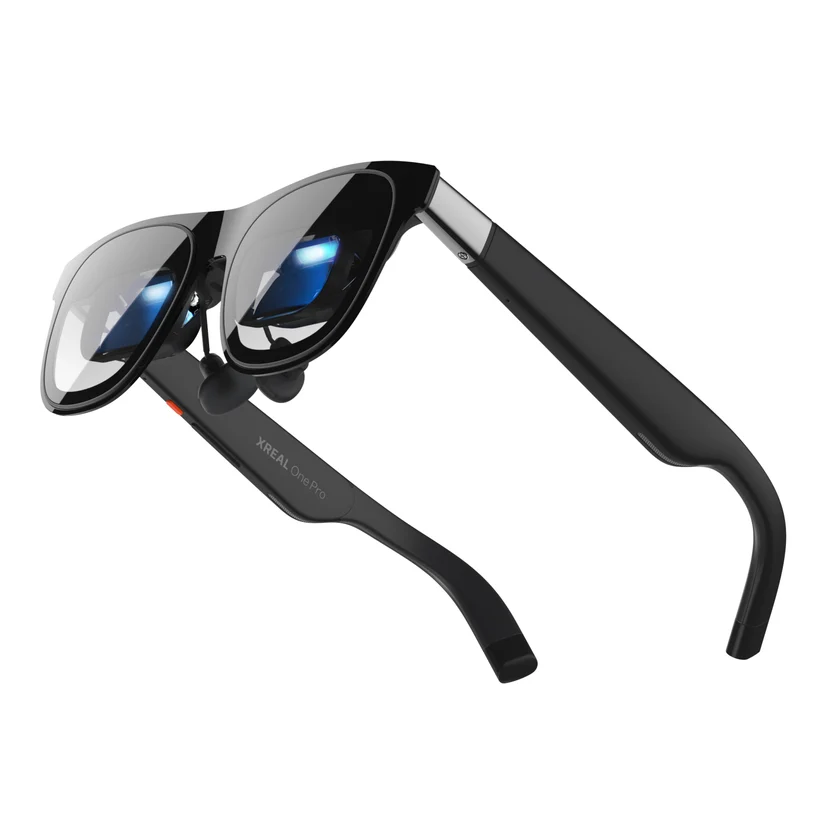
AR & Display GlassesXREAL One Pro
XREAL One Pro is a high-end AR display headset designed to turn compatible devices into large virtual screens. It features XREAL's X1 spatial computing chip, native 3DoF tracking, a 57° field of view, a 1080p Micro-OLED display and Bose-tuned audio.
Display1920 × 1080
Comfort8/10
Audio9/10
Battery7/10
#6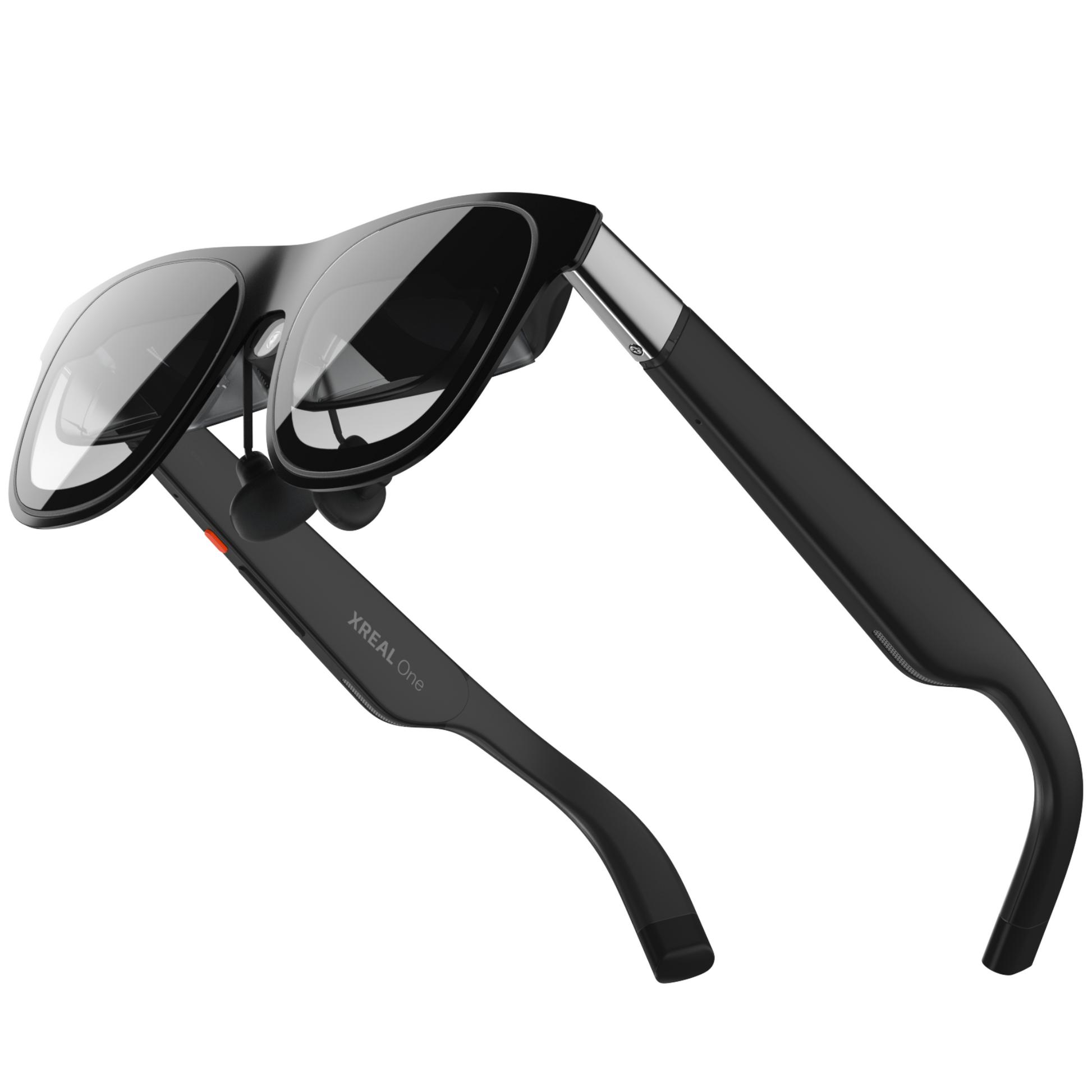
AR & Display GlassesXREAL One
XREAL One is an AR display glasses platform designed to provide a large virtual screen from compatible devices. Its X1 chip provides native 3DoF spatial tracking without requiring an external processing unit.
Display1920 × 1080
Comfort9/10
Audio9/10
Battery7/10
Two Ways Smart Glasses Can Help at Work
Display-Focused Glasses
Display glasses can provide a large virtual screen that can be useful when working from a laptop, handheld device or other compatible hardware.
When evaluating these products, pay particular attention to resolution, field of view, refresh rate, connectivity and comfort.
See the Best AR Glasses →AI-Focused Glasses
AI glasses can be useful for hands-free voice assistance, calls, audio, reminders, photography and other tasks that normally require reaching for a phone.
For these products, consider AI capabilities, microphones, audio quality, camera performance, battery life and phone compatibility.
See the Best AI Glasses →What to Look For in Work Smart Glasses
The most useful features depend on how you plan to use your glasses during the workday.
Virtual Displays
A virtual display can provide a large screen without requiring a traditional physical monitor.
AI Assistance
AI features can provide hands-free assistance for questions, information and other supported tasks.
Calls & Audio
Built-in microphones and speakers can make calls and audio communication more convenient.
Comfort
If you're wearing smart glasses for several hours, frame weight and overall comfort become especially important.
Battery Life
Consider how long the glasses can operate and how they are recharged during the workday.
Compatibility
Make sure the glasses work with your computer, phone and other devices before buying.
Smart Glasses for Different Work Situations
Remote Work
Display glasses can provide another way to create a portable screen, while AI glasses can provide hands-free calls and assistance.
Traveling for Work
Compact smart glasses can be useful when you want to reduce the amount of equipment you carry while traveling.
Hands-Free Tasks
AI glasses with microphones, cameras and speakers can provide hands-free access to supported features while you're moving around.
Things to Consider Before Buying
Smart glasses are not a universal replacement for a computer, monitor, phone or traditional headphones. Their usefulness depends heavily on the hardware and software ecosystem they connect to.
Before buying, check the manufacturer's compatibility requirements, connection method, battery specifications and supported features. If you need prescription lenses, also check whether your preferred configuration supports them.
Compare Smart Glasses →Frequently Asked Questions
Can smart glasses be used for work?
Yes. Depending on the model, smart glasses can provide virtual displays, AI assistance, audio, calls, cameras and other features that may be useful during work.
Are AR glasses good for productivity?
Display glasses can be useful for productivity when connected to compatible devices because they can provide a large virtual screen in a compact form factor.
Can smart glasses replace a monitor?
Some display glasses can provide a virtual screen that may work as an alternative to a physical monitor in certain situations. The experience depends on the glasses, source device and connection.
Are AI glasses useful for work?
AI glasses can provide hands-free access to supported AI assistants, calls, audio, cameras and other features. Their usefulness depends on the specific model and software it supports.
What are the best smart glasses for remote work?
The best option depends on whether your priority is a virtual display, AI assistance, calls, audio, portability or comfort. Compare the features that matter most to your workflow before choosing a model.
Find Smart Glasses for Your Workflow
Tell us what you want from your smart glasses and our Finder quiz will recommend products based on your priorities.
Take the Smart Glasses Finder Quiz →